Boost Your Next.js Images with Slick Skeleton Loaders
Apr 2, 2024
Ever feel like you're staring at a blank canvas while your Next.js images lumber in? Skeleton loaders are your secret weapon to banish boredom and keep users engaged. These lightweight placeholders act as a visual cue, letting users know awesome content is on its way.
The Beauty? You can achieve this with Tailwind CSS and a sprinkle of JavaScript, without needing fancy state management. 🪄
Why Skeleton Loaders?
This approach offers several advantages:
- Superior User Experience: Bridge the gap between blank screens and loaded images, keeping users from bouncing.
- First Impressions Matter: A polished initial load makes a great first impression, setting the tone for a positive user experience.
- Simplicity is Key: This approach leverages the power of Tailwind CSS for a clean and straightforward implementation..
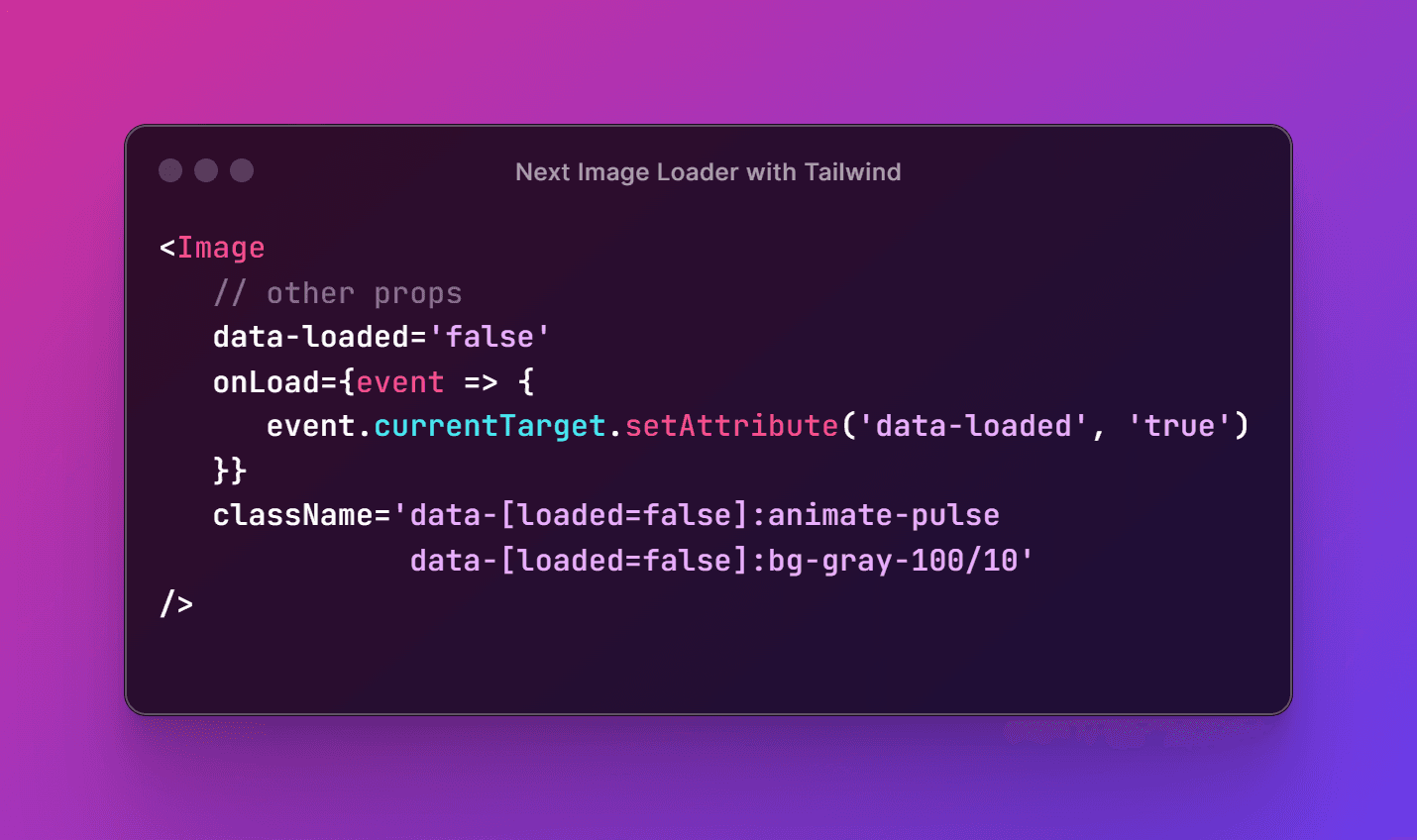
We'll create a placeholder effect using CSS while images load in the background. This keeps users engaged with a lightweight solution powered by CSS and data attributes.
<Image
  // other props
  data-loaded="false"
  onLoad={(event) => {
    event.currentTarget.setAttribute("data-loaded", "true");
  }}
  className="data-[loaded=false]:animate-pulse data-[loaded=false]:bg-gray-100/10"
/>
Decoding Michalhonc's Code Snippet
Let's dissect the code snippet from Next.js community member michalhonc to understand how it works:
data-loaded='false': This sets a custom data attribute named "loaded" with an initial value of "false," indicating the image hasn't loaded yet.onLoadevent handler: This defines a function that triggers when the image finishes loading.onLoadinner function: This function updates the value of the "loaded" data attribute to "true" once the image has loaded.- Tailwind CSS Classes in Action: These classes leverage Tailwind CSS to apply a cool "pulse" animation effect and a light gray background only when the "loaded" data attribute is "false," providing a basic placeholder effect.
The Perks
This approach offers several benefits:
- Less JavaScript, More Speed: By relying on CSS and data attributes, we avoid the need for extensive JavaScript tracking logic using useState or similar methods. This results in cleaner and potentially faster code.
- Performance Boost: Eliminating unnecessary JavaScript execution for basic loading states can have a positive impact on website performance, especially for users on mobile devices or slower connections.
- Code Clarity: Separating loading state logic into CSS and data attributes keeps the image component code concise and easier to maintain.
Additional Considerations
While this technique is a valuable solution for basic scenarios, it's important to consider its limitations:
- Customization Constraints: Compared to custom JavaScript solutions, this approach offers less flexibility for complex loading state animations or interactions.
- Browser Compatibility: While data attributes are widely supported, older browsers might not handle them as efficiently.
For situations requiring advanced loading state features or extensive customization, libraries specifically designed for image loading with advanced functionalities might be a better choice.
In Conclusion
By leveraging the power of CSS and data attributes, we can achieve a clean and efficient way to manage loading states for Next.js image components. This approach reduces JavaScript usage, potentially improves performance, and keeps the code cleaner. While it has limitations for complex scenarios, it's a valuable technique for optimizing basic image loading experiences in your Next.js applications.
Inspired By
This blog post was inspired by a valuable code snippet shared by michalhonc on the Next.js discussion forum. You can find the original discussion thread here.